Play Sudoku free in your browser.
Enable JavaScript to load the game. Instructions are below.
A new Sudoku every day. Everyone gets the same medium puzzle on the same date, so you can compare times with friends. Your progress and your daily streak are saved in this browser.
How the daily puzzle works
- A new puzzle appears at midnight in your time zone.
- Daily progress is kept apart from your other puzzles, so you can switch between them freely.
- Finish on consecutive days to build your streak, then share your result to challenge a friend with the same grid.
How to play & game info
Play Sudoku online
Nine numbers. One little escape. Find your pace with five difficulties, fresh seeded puzzles, and a friendly challenge to share.
Saves stay in this browser. Clearing site data removes them.
How to play Sudoku
- Fill each row, column, and 3 × 3 box with the numbers 1–9, using each number exactly once. Every puzzle has one solution.
- Choose Beginner, Easy, Medium, Hard, or Expert. Each fresh puzzle is generated in your browser, with difficulty based on the solving techniques it requires.
- Touch or click a cell, then use the number pad. Keyboard: arrows move, 1–9 enter a number, Delete or Backspace erases, and N toggles pencil notes.
- Notes track possibilities. Placing a number clears matching notes in its row, column, and box. Undo, or Ctrl/Cmd+Z on the board, restores your previous move.
- Conflicting numbers show an exclamation mark. A Hint reveals one correct number; the number of hints stays recorded even if you undo it.
- P pauses or resumes; Escape pauses. The timer stops and the board is hidden during a break. Progress saves in this browser, including notes and time, so you can resume later.
- Share a puzzle at any time, or choose Challenge a friend after finishing to include your time and hints. The link opens the same puzzle with your friend's own timer and your time to beat. Shared times work on an honour system.
Sudoku tips
- Start with rows, columns, or boxes that are almost complete. A number may have only one place to go.
- Select a filled cell to highlight its number across the board. The selected cell's row, column, and box are shaded.
- Use Notes to track candidates, then look for numbers that share the same two cells. Your notes and undo history save with your puzzle.
- Try Beginner or Easy before moving up. Hard and Expert require more involved reasoning, rather than simply more empty cells.
Questions about Sudoku
How do Sudoku challenge links work?
A compact puzzle code includes the generator version, difficulty, and seed. Your friend gets exactly the same starting grid. After you finish, the shared link also includes your elapsed time and hints, giving them a time to beat. No account is needed; shared results work on an honour system.
Will I see the same Sudoku again?
Fresh puzzles use a large random seed space, making accidental repeats very unlikely. Webcade also remembers the latest 128 starting grids in this browser and rejects exact repeats when creating a new puzzle. Opening a shared link intentionally replays that puzzle. Clearing browser data removes the recent history.
Does Sudoku save my puzzle?
Yes. Your current puzzle, numbers, pencil notes, undo history, hints, and timer save in this browser when storage is available. Resume explicitly when you return. Starting a new puzzle replaces that saved progress; saves do not sync between devices.
Can I play Sudoku offline?
Yes, after Webcade has finished downloading for offline play. Puzzles are generated on your device. Already-downloaded challenge links work offline too; sending the link to someone still requires your usual messaging connection.
Can I play Sudoku offline?
Yes, after loading Webcade online and waiting for “Ready for offline play”. The arcade must finish downloading its assets before offline play is available.
More ways to play Sudoku
More little escapes
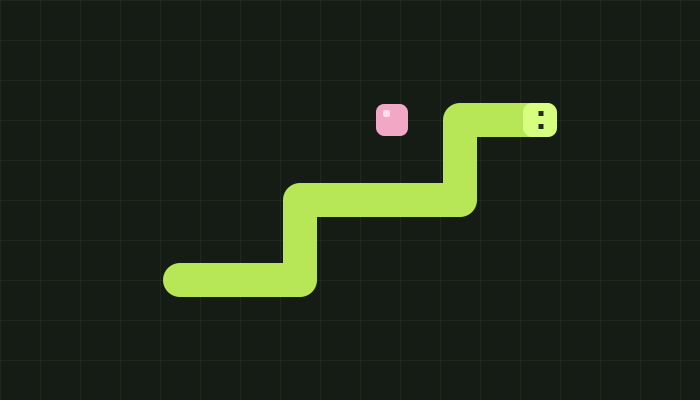 WEBCADE / 001
Snake
Play Snake with glowing fruit, sound effects, and three difficulty levels. Grow your snake, dodge the walls and obstacles, and beat your personal best with keyboard or touch controls.
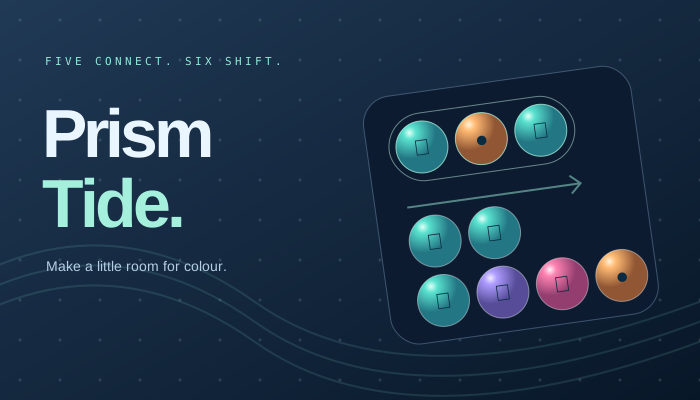 WEBCADE / 002
Prism Tide
Exclusively in Webcade
Find your current in an original gem puzzle. Connect five, cycle your colours, and ride shifting tides into beautiful cascades. Play at your own pace or chase the flow.
 WEBCADE / 004
Sky Stack
A little closer to the sky. Place moving blocks, keep your edges, and build a tower one good moment at a time. A quick precision arcade game with perfect streaks and effortless retries.