Play Sky Stack free in your browser.
Enable JavaScript to load the game. Instructions are below.
How to play & game info
Play Sky Stack online
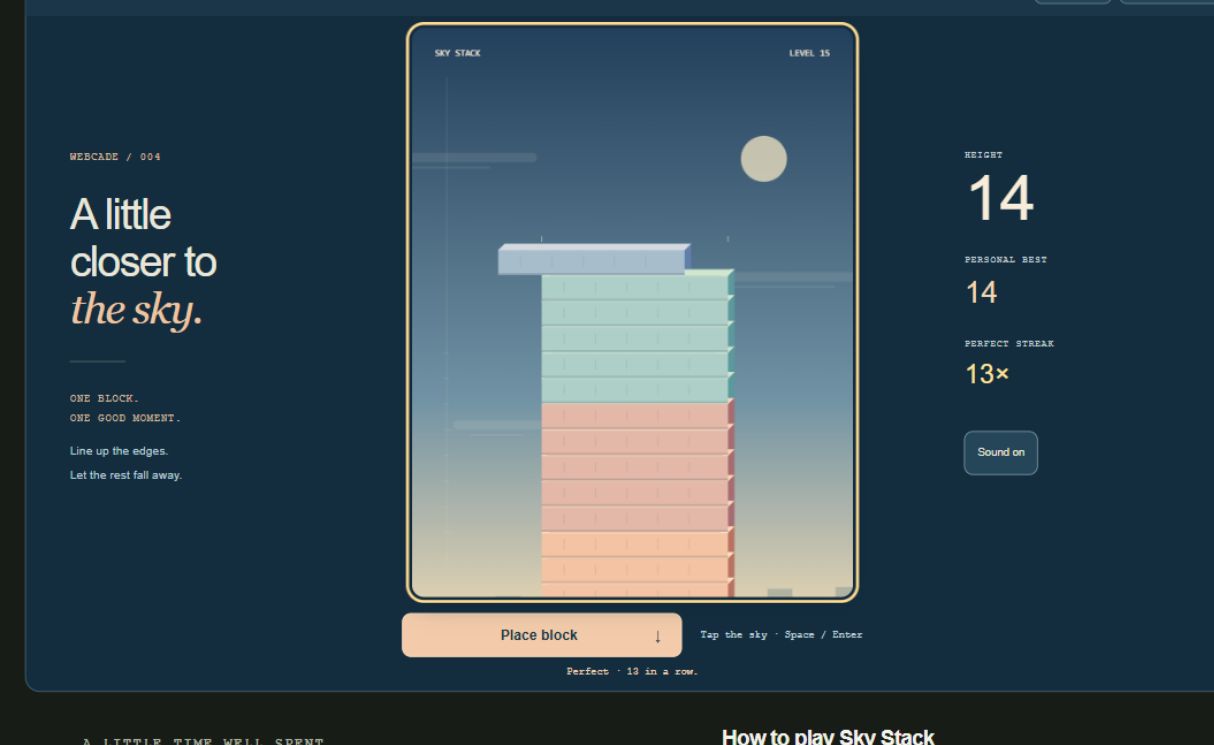
A little closer to the sky. Place moving blocks, keep your edges, and build a tower one good moment at a time. A quick precision arcade game with perfect streaks and effortless retries.
Saves stay in this browser. Clearing site data removes them.
How to play Sky Stack
- Start building, then tap the sky, click Place block, or press Space / Enter to place the moving block. Starting a round never places the first block.
- Line up the front edges with the block beneath. Any overhang breaks away, and the next block inherits your remaining width. No overlap ends the run.
- Near-perfect landings snap into alignment and preserve your width. Consecutive perfects build a streak; height is your score, and streaks are recorded separately.
- Each new block enters from the opposite side. Speed rises gradually to a cap. Take your time: blocks move back and forth until you choose to place them.
- Escape or the player Pause button pauses. Resume explicitly after switching tabs or apps. Use Build again for an immediate fresh round.
- Sound on / Sound off saves your preference. Personal best height and longest perfect streak save in this browser when storage is available. The current tower is not saved after leaving or reloading.
Sky Stack screenshot
Sky Stack tips
- Watch the two front edges. The small marks above the landing show the edges of the block beneath.
- Wait for another pass if the timing feels wrong. There is no countdown and no penalty for waiting.
- Aim for consistency before speed. Perfect placements keep the tower wide, making your next landing more forgiving.
- Use the whole sky as your touch target. You can keep your finger clear of the landing, or use the Place block button below.
Questions about Sky Stack
How does Sky Stack score a run?
Each successful placement adds one level to your height. Perfect streaks do not add bonus points. The game records your highest tower and longest sequence of consecutive perfect placements separately.
What counts as a perfect landing?
Your moving block must overlap the tower and land within a fixed, small distance of its front edge. It then snaps neatly into alignment without losing width. The tolerance stays the same as speed and tower width change.
Can I play Sky Stack with a keyboard?
Yes. Tab to Start building and activate it with Space or Enter. The playfield then receives focus; Space or Enter places a block, and Escape pauses. Start, resume, retry, mute, and fullscreen controls all work with a keyboard.
Does Sky Stack save my tower?
Your personal best height, longest perfect streak, and sound preference save locally when browser storage is available. A tower pauses while you switch away, but leaving or reloading starts a fresh round. Records do not sync between devices.
Can I play Sky Stack offline?
Yes, after loading Webcade online and waiting for “Ready for offline play”. The arcade must finish downloading its assets before offline play is available.
More little escapes
 WEBCADE / 001
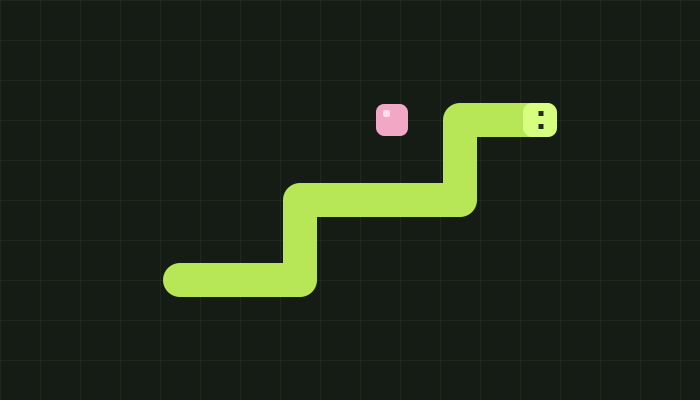
Snake
Play Snake with glowing fruit, sound effects, and three difficulty levels. Grow your snake, dodge the walls and obstacles, and beat your personal best with keyboard or touch controls.
 WEBCADE / 002
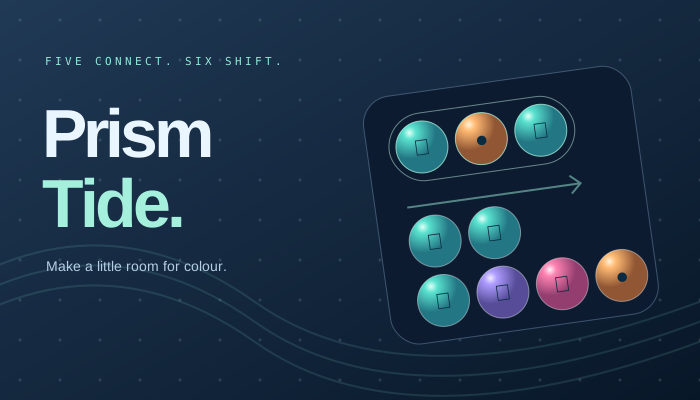
Prism Tide
Exclusively in Webcade
Find your current in an original gem puzzle. Connect five, cycle your colours, and ride shifting tides into beautiful cascades. Play at your own pace or chase the flow.
 WEBCADE / 003
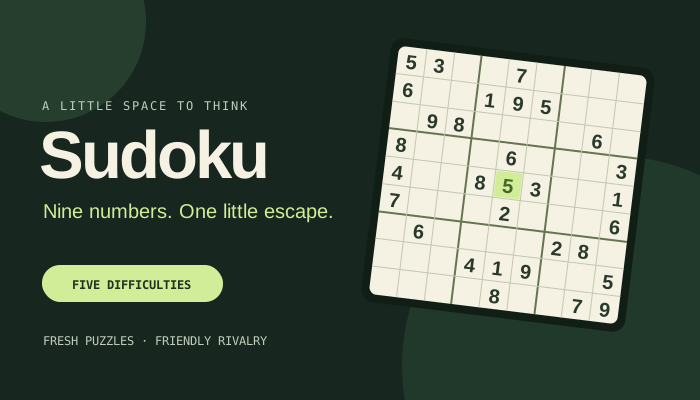
Sudoku
Nine numbers. One little escape. Find your pace with five difficulties, fresh seeded puzzles, and a friendly challenge to share.