Play Snake free in your browser.
Enable JavaScript to load the game. Instructions are below.
A LITTLE TIME WELL SPENT
Play Snake online
Play classic Snake free in your browser. Eat the pink squares, grow your snake, and avoid the walls and your own tail. Steer with keyboard or touch controls and beat your best score.
Free to play, with no account required. Use keyboard or touch controls on your computer, phone, or tablet.
Progress saves in this browser on this device. Clearing site data removes saves.
How to play Snake
- Keyboard: arrows or WASD to steer. Space to start, pause, or resume.
- Touch: swipe anywhere on the board or use the direction buttons.
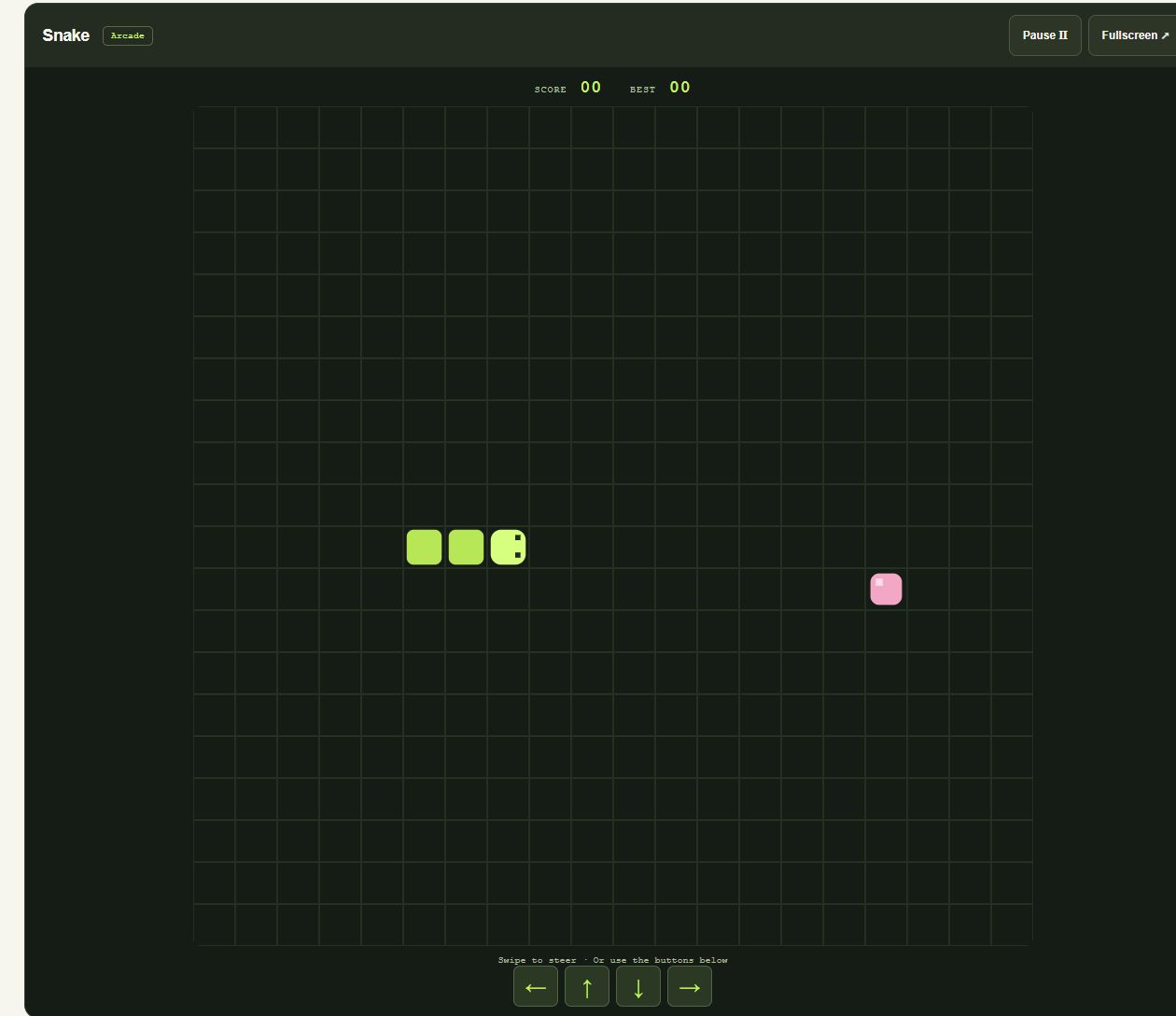
- Eat the pink squares. Avoid the walls and your own tail. Escape pauses the game.
Taking a break? Games pause when you leave the player or switch apps.
Snake screenshot
Snake tips
- Keep some open space ahead of your snake. Chasing food into a tight corner can leave you without a safe turn.
- Plan your next turn before you reach the food. You cannot reverse directly into your own body.
- As your snake grows, use wider routes around the board rather than cutting across your tail.
- Use Space or Escape to pause when you need a break. Resume when you are ready to steer again.
Questions about Snake
What ends a round of Snake?
The round ends when your snake hits a wall or its own body. Each pink square you eat adds one point and makes your snake longer. Filling the board wins the round.
Can I play Snake on my phone?
Yes. Swipe on the board or use the on-screen direction buttons. On a computer, use the arrow keys or WASD.
Does Snake save my high score?
Your best score saves locally in this browser when browser storage is available. It does not sync to other devices, and clearing site data removes it. The current round is not saved.
Can I play Snake offline?
Yes, after loading Webcade online and waiting for “Ready for offline play”. The arcade must finish downloading its assets before offline play is available.