Play Rush Hour free in your browser.
Enable JavaScript to load the game. Instructions are below.
How to play & game info
Play Rush Hour online
Find a gap. Make it count. Thread a miniature city road, earn boost with clean close passes, and chase your personal best in a quick arcade driving game.
Saves stay in this browser. Clearing site data removes them.
How to play Rush Hour
- Drive automatically through three lanes. Left/Right or A/D changes lanes; tap the left and right buttons on touch screens. Each fresh press steps the selected lane once. Rapid inputs update the destination, without teleportation or a queue of delayed moves.
- Pass within a small edge-to-edge gap while alongside traffic to earn 150 points and one boost charge. Rewards arrive only once the whole vehicle has been safely passed. Simply driving in an adjacent lane may be too far away.
- Three clean close passes fill the boost meter. Space or the Boost button activates 2.4 seconds of extra speed. Boost does not protect you from collisions and does not earn close-pass rewards or recharge.
- Each metre earns 10 points. Boost covers more distance per second. Cars and longer, slower vans hold their lanes. Traffic becomes denser and more staggered over three minutes; every generated formation has an achievable route.
- P toggles pause; Escape or the player Pause button pauses. Resume explicitly after switching tabs or apps. Drive again starts a fresh run immediately without reloading.
- Personal best score, distance, and close-pass count save locally in this browser, along with your sound preference. The current run is not saved. Clearing site data removes records.
Rush Hour screenshot
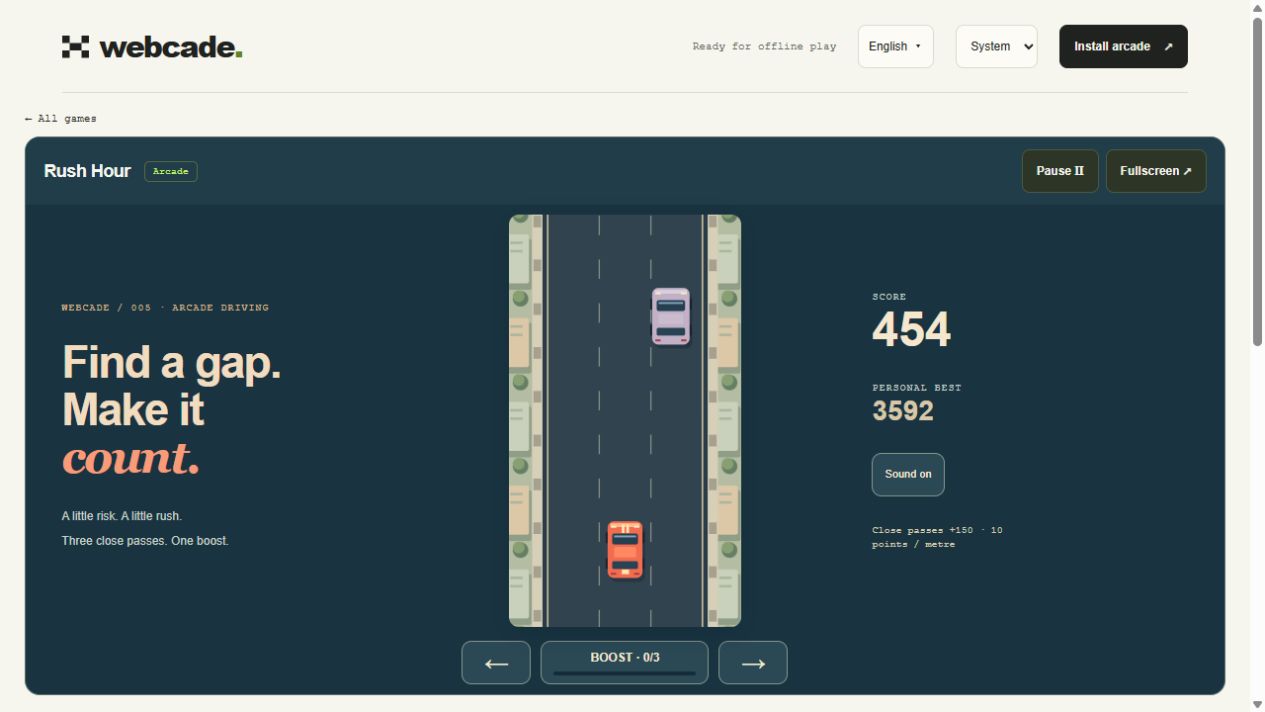
Rush Hour tips
- Use the first 15 seconds to settle in. Traffic tightens over three minutes, so look two formations ahead and prepare for the next opening.
- A close pass means a genuinely tight side gap. Cars sit at slightly different positions within their lanes; wider vans create closer passing opportunities.
- Spend boost when the road ahead is open. A full meter can wait, and boosting toward an occupied lane still ends the run.
- Aim for clean distance first, then take tighter routes as you get comfortable. You can steer away from a pass at any time.
Questions about Rush Hour
How does Rush Hour score a run?
Every metre earns 10 points. Each successful close pass adds 150 points and one charge. Three charges fill the boost meter. Boost increases distance covered per second; it does not multiply close-pass points.
How is a close pass judged?
The visible edges must come within a small gap while the cars are substantially alongside each other. The bonus is awarded once, after the entire traffic vehicle clears your car. Crashes never pay a close-pass bonus. Boosted passes do not earn rewards.
Does every traffic formation have a way through?
Yes. Each formation leaves at least one clear lane, with space between groups for steering. Cars hold their lanes. Choosing a late lane change or boosting toward a visible vehicle can still cause a crash.
Can I play with touch or without sound?
Yes. Large steering and Boost buttons sit outside the road, and steering and boost can be pressed simultaneously. The Sound button saves your mute preference. Essential feedback also appears visually.
Can I play Rush Hour offline?
Yes, after loading Webcade online and waiting for “Ready for offline play”. The arcade must finish downloading its assets before offline play is available.
More little escapes
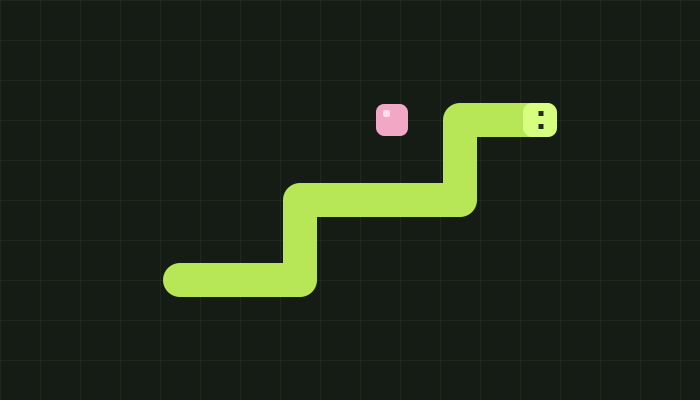 WEBCADE / 001
Snake
Play Snake with glowing fruit, sound effects, and three difficulty levels. Grow your snake, dodge the walls and obstacles, and beat your personal best with keyboard or touch controls.
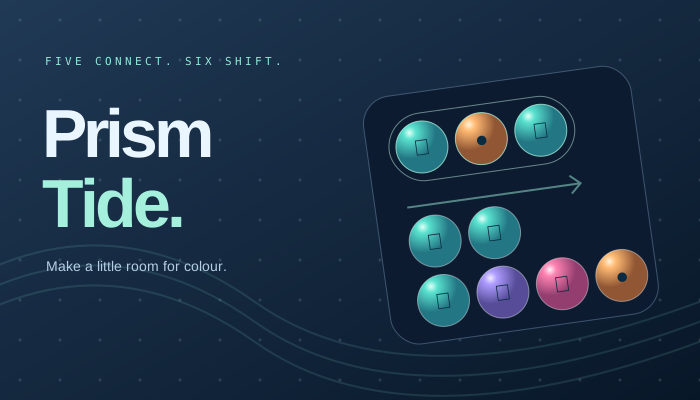 WEBCADE / 002
Prism Tide
Exclusively in Webcade
Find your current in an original gem puzzle. Connect five, cycle your colours, and ride shifting tides into beautiful cascades. Play at your own pace or chase the flow.
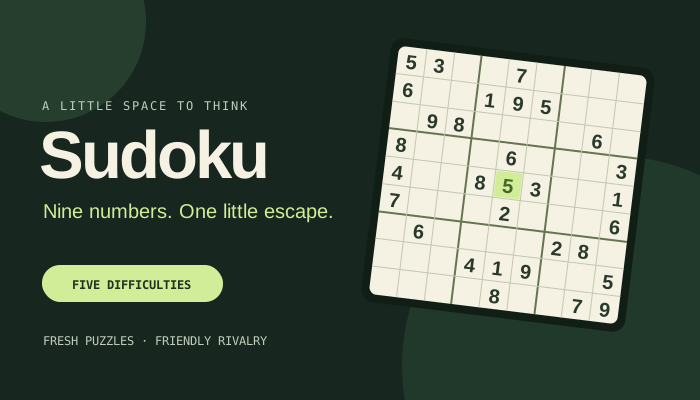 WEBCADE / 003
Sudoku
Nine numbers. One little escape. Find your pace with five difficulties, fresh seeded puzzles, and a friendly challenge to share.